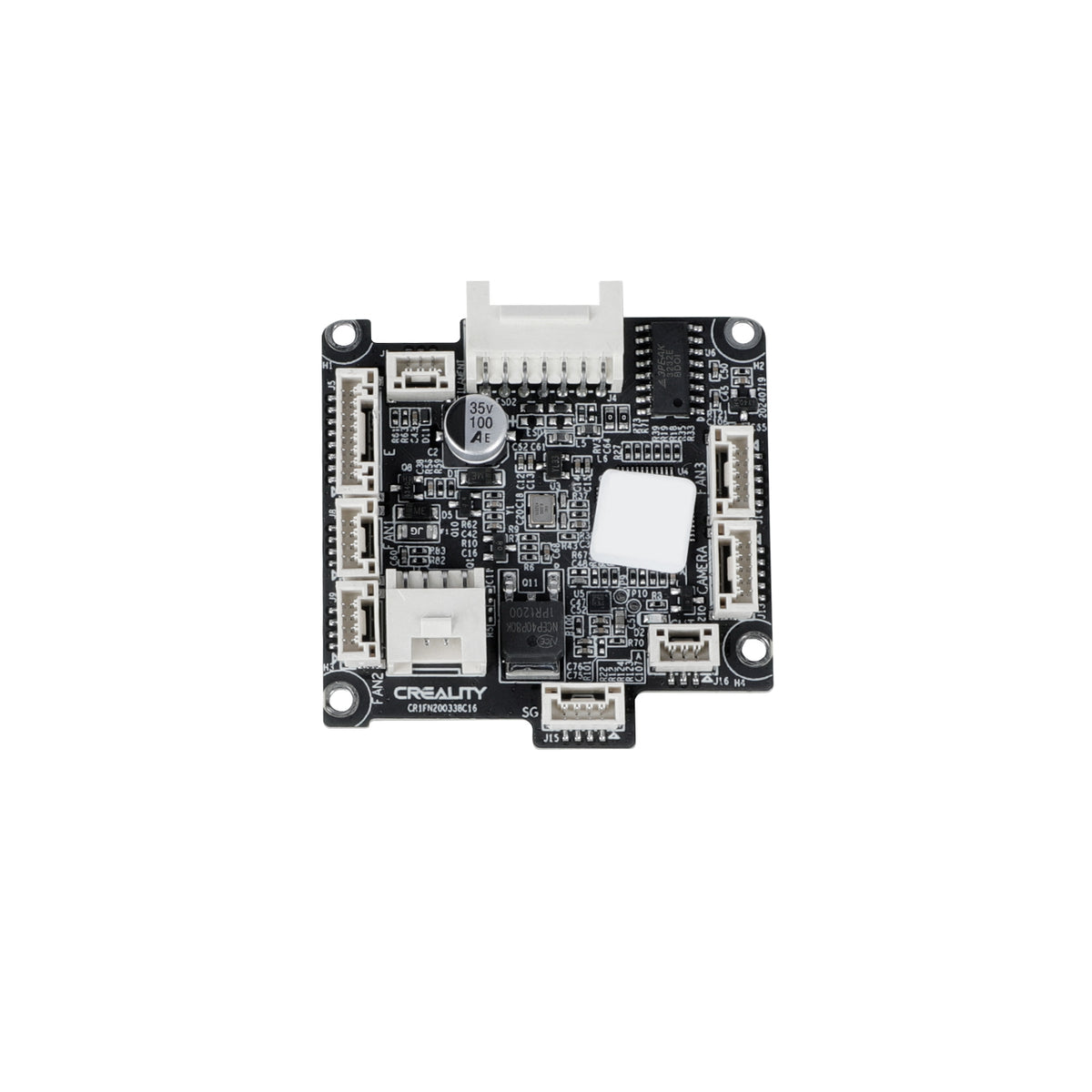
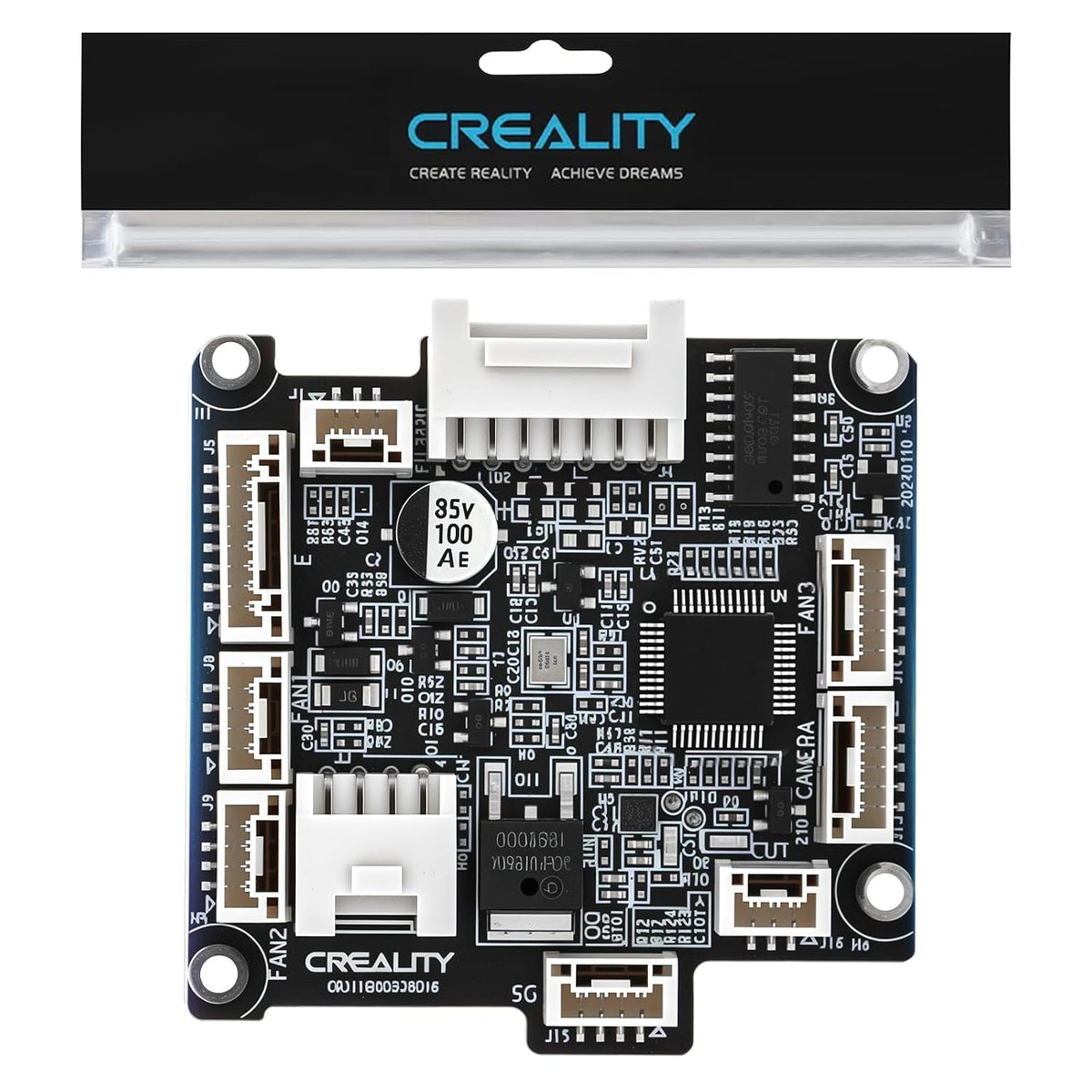
Creality K2 / K2 Pro / K2 Plus Toolhead Board – Genuine OEM Replacement – 4002010056
The Creality K2 Series Toolhead Board is a genuine OEM replacement circuit board designed for the Creality K2, K2 Pro, and K2 Plus 3D printers.
Identified by Creality Part Number 4002010056, this compact electronic control board is installed inside the toolhead assembly, where it manages communication and electrical connections between the printer's mainboard and critical toolhead components.
Designed as a direct factory replacement, the Toolhead Board restores reliable communication, power distribution, and signal transmission for the hotend, sensors, fans, and other integrated toolhead electronics.
Product Function
The Toolhead Board acts as the local electronic interface for the printer's toolhead assembly.
Its primary functions include:
- Distributing power to toolhead components
- Managing communication with the main control board
- Connecting hotend electronics
- Supporting cooling fan operation
- Supporting sensor communication
- Providing stable electrical connections
- Maintaining reliable toolhead performance during printing
Proper operation of the Toolhead Board is essential for accurate extrusion, temperature control, cooling, and printer reliability.
Key Features
- Genuine Creality OEM replacement board
-
Designed for the K2 Series
-
Compatible with K2, K2 Pro, and K2 Plus
-
Creality Part Number: 4002010056
- Factory-installed toolhead control board
- Supports communication between the mainboard and toolhead components
- Provides power and signal distribution
- Compact PCB design
- Direct OEM replacement
- Restores original printer functionality
- Ideal for maintenance and repair
Specifications
Brand: Creality
Product Type: Toolhead Board
Creality Part Number: 4002010056
Compatible Printers:
- Creality K2
- Creality K2 Pro
- Creality K2 Plus
Installation Location: Toolhead Assembly
Function: Toolhead Power & Signal Distribution
Application: FDM/FFF 3D Printing
Net Weight: 11 g
Package Size: 110 × 85 × 60 mm
Installation: Internal OEM Replacement
Compatible Printers
- Creality K2
- Creality K2 Pro
- Creality K2 Plus
Always verify your original part number before ordering.
When Should the Toolhead Board Be Replaced?
Consider replacing the Toolhead Board if your printer experiences:
- Toolhead communication errors
- Hotend connection failures
- Cooling fans not operating correctly
- Sensor communication problems
- Intermittent toolhead operation
- Burned or damaged PCB components
- Damaged connectors
- Electrical damage caused by short circuits
- Physical PCB damage
- Toolhead failures confirmed during troubleshooting
Before replacing the board, inspect all wiring harnesses, connectors, hotend components, and the mainboard to ensure the Toolhead Board is the source of the problem.
Installation Recommendations
- Turn off and unplug the printer.
- Allow the hotend to cool completely.
- Remove the toolhead cover.
- Photograph all cable connections before disconnecting them.
- Carefully disconnect each connector without pulling on the wires.
- Install the replacement board in the original position.
- Reconnect all cables securely.
- Reassemble the toolhead.
- Perform any recommended self-test or calibration before printing.
Package Includes
- 1 × Creality K2 Series Toolhead Board