


Description
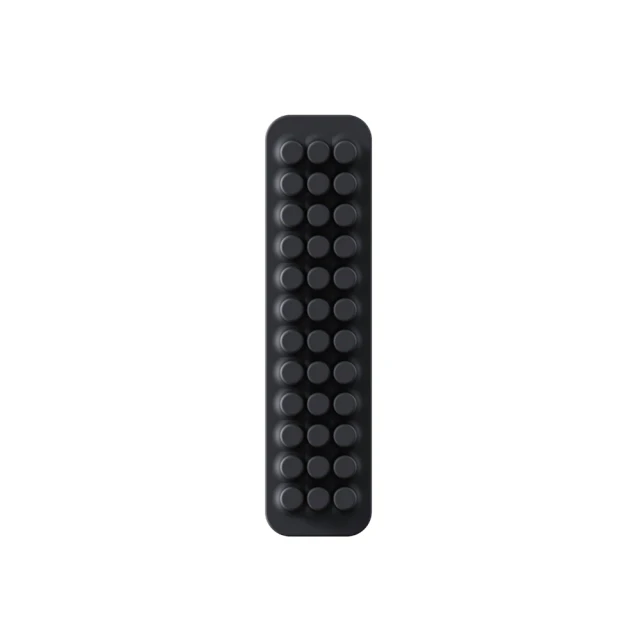
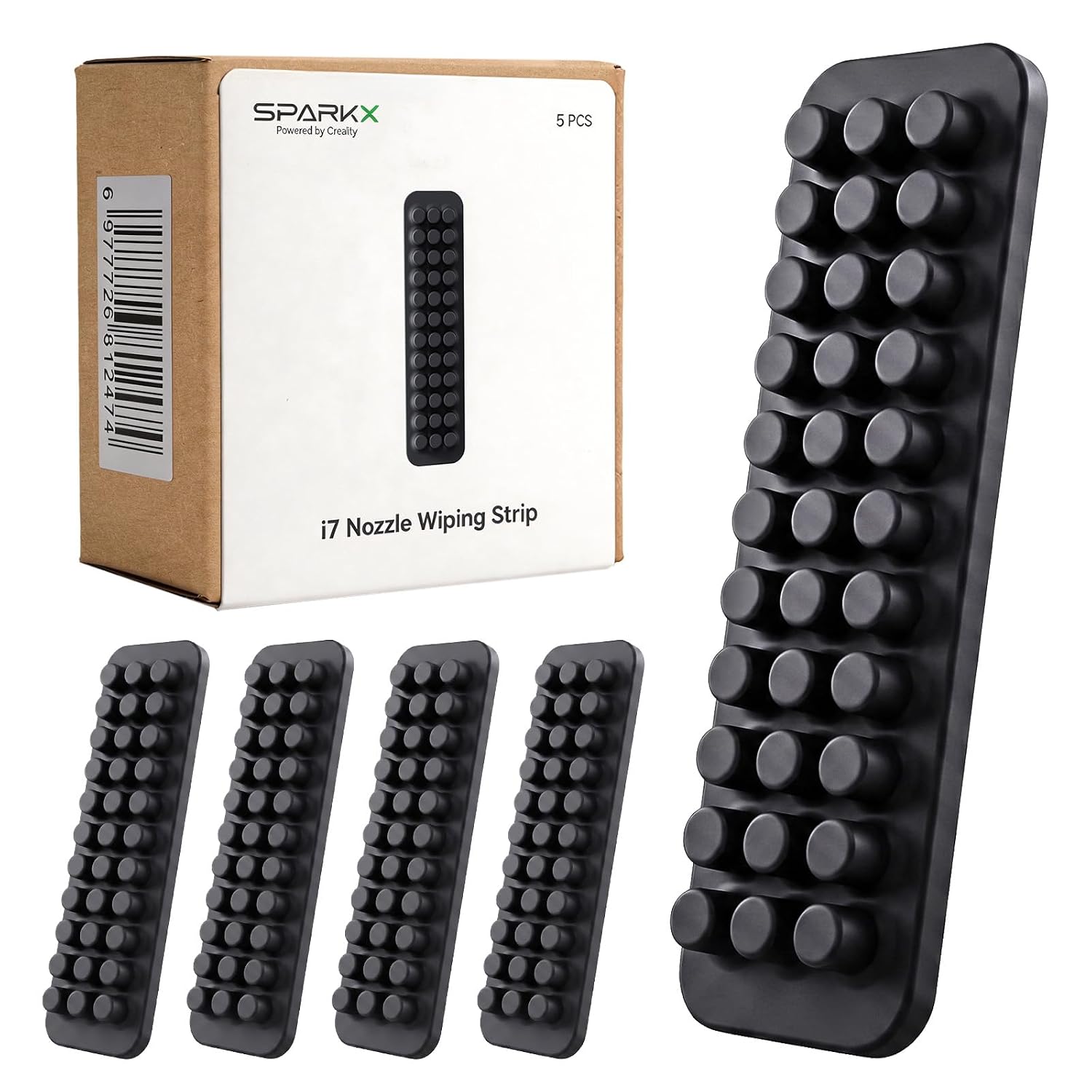
Creality SPARKX i7 Nozzle Wiper Strip – Genuine OEM Replacement Nozzle Cleaner
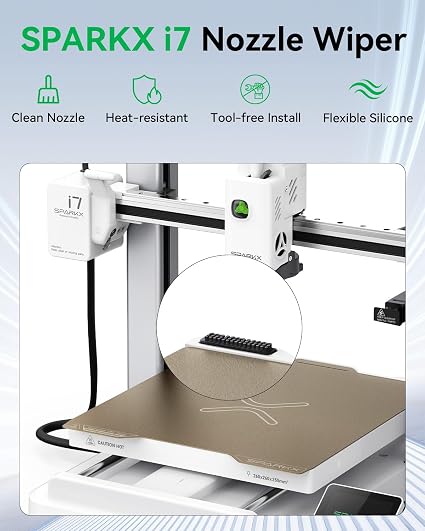
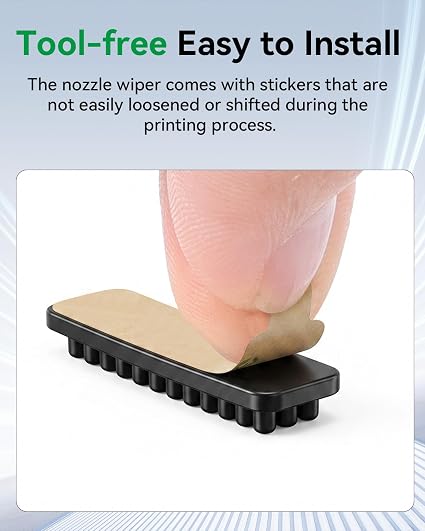
The Creality SPARKX i7 Nozzle Wiper Strip is a genuine OEM replacement maintenance component designed specifically for the Creality SPARKX i7 3D Printer. Installed in the printer’s nozzle cleaning area, the wiper helps remove excess filament and residue from the nozzle during automatic cleaning and preparation cycles.
A clean nozzle is especially important before automatic calibration and first-layer printing, helping prevent residual filament from interfering with nozzle contact, extrusion, and build plate calibration.
This replacement wiper strip is an essential maintenance item for keeping the SPARKX i7 automatic nozzle-cleaning system operating properly.
Product Function
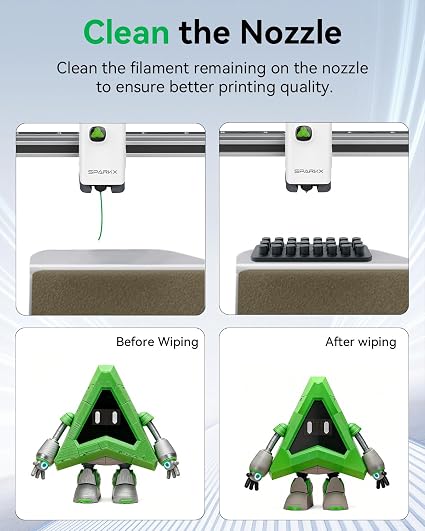
During normal printer operation, small amounts of melted filament can remain attached to the nozzle after extrusion or purging.
The SPARKX i7 automatically moves the nozzle across the wiper area to help remove this material before critical printing and calibration operations.
The nozzle wiper helps:
- Remove residual filament from the nozzle
- Clean the nozzle before printing
- Support automatic nozzle-cleaning cycles
- Prepare the nozzle for calibration
- Improve first-layer consistency
- Reduce filament buildup around the nozzle
- Help prevent residue from affecting bed-leveling measurements
- Maintain cleaner and more reliable printing operation
Key Features
- Genuine Creality OEM replacement component
- Designed specifically for the Creality SPARKX i7
- Replacement nozzle cleaning / wiper strip
- Removes residual filament from the nozzle
- Supports the printer's automatic nozzle-cleaning system
- Helps maintain a clean nozzle before calibration
- Helps improve first-layer preparation
- Reduces accumulated filament residue
- Direct replacement for the original wiper
- Quick and convenient maintenance component
- Ideal spare part for frequently used printers
Why Is Nozzle Cleaning Important?
A small amount of hardened or melted filament remaining on the nozzle can interfere with several printing operations.
Keeping the nozzle clean helps provide:
More Reliable Calibration
Residual filament on the nozzle can affect the physical relationship between the nozzle and build surface during automatic calibration.
Better First Layers
A clean nozzle helps ensure filament begins extruding correctly when the first layer starts.
Reduced Filament Buildup
Regular wiping helps prevent small amounts of residual material from accumulating around the nozzle and hotend.
More Consistent Printing
Maintaining the printer's automatic cleaning system helps keep the SPARKX i7 operating as intended.
Specifications
Brand: Creality
Product Type: Nozzle Wiper Strip / Nozzle Cleaner
Compatible Printer: Creality SPARKX i7
Function: Automatic Nozzle Cleaning
Installation Location: Nozzle Cleaning / Purge Area
Application: FDM/FFF 3D Printing
Maintenance Type: Replaceable / Consumable Component
Installation: Direct OEM Replacement
When Should It Be Replaced?
The nozzle wiper is a maintenance component that will gradually wear with normal printer use.
Consider replacement when:
- The wiper surface becomes visibly worn
- Filament residue accumulates excessively
- The strip becomes damaged or deformed
- The nozzle is no longer being cleaned effectively
- Residual filament remains on the nozzle after the cleaning cycle
- Automatic nozzle cleaning becomes inconsistent
Users who operate their SPARKX i7 frequently or perform extensive multi-color printing may need to inspect the nozzle wiper more often.
Recommended Maintenance
Periodically inspect the wiper for:
- Filament buildup
- Wear
- Deformation
- Damage
- Loose installation
Remove accumulated filament debris when necessary and replace the wiper when it can no longer clean the nozzle effectively.
Package Includes
- Creality SPARKX i7 Nozzle Wiper Strip
Important Notes
This listing is for the replacement nozzle wiper / cleaning strip only. The hotend, nozzle, purge assembly, waste container, and other printer components are not included unless specifically stated.
Always allow the nozzle and hotend to cool before manually cleaning or servicing the nozzle wiper area.