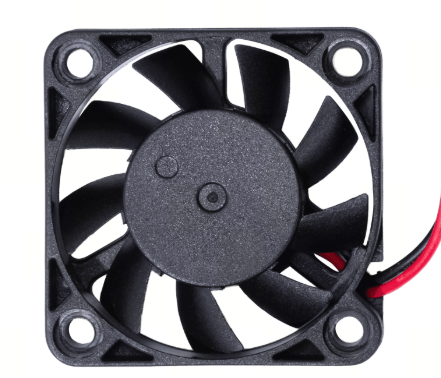
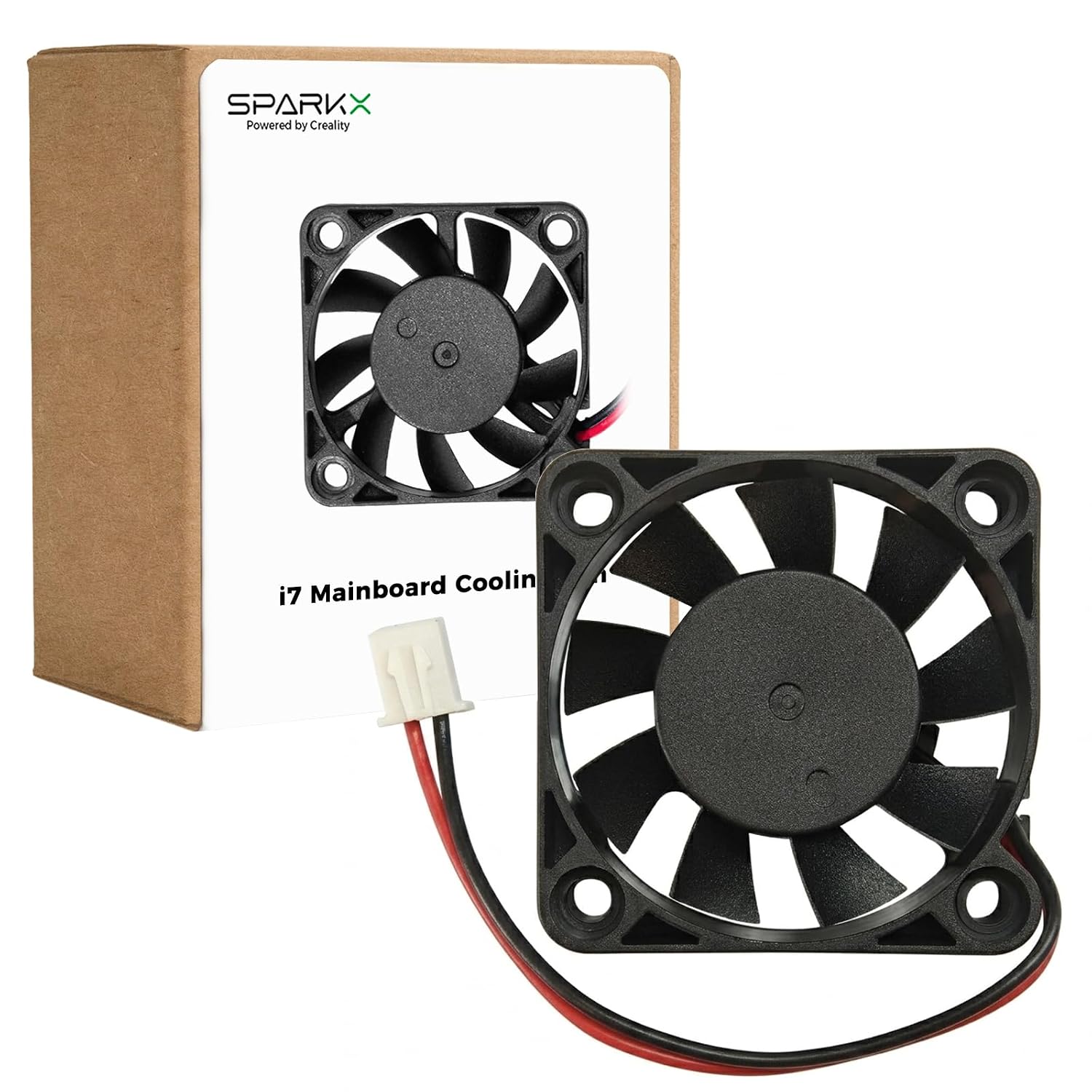
The Creality SPARKX i7 4010 Mainboard Cooling Fan is an original replacement cooling fan designed specifically for the Creality SPARKX i7 3D Printer. Its primary function is to provide continuous airflow over the printer’s mainboard and internal electronics, helping maintain safe and stable operating temperatures during printing.
Effective mainboard cooling is especially important during long print jobs and high-speed printing, when the printer’s control electronics are operating continuously. Creality’s SPARKX i7 mainboard manages core printer functions, including processing G-code and sending control signals to the lower-level electronics responsible for motors, hotend heating, and heated-bed operation.
Product Function
The mainboard cooling fan helps remove heat generated by the printer’s electronic components. Proper airflow helps:
Maintain stable mainboard operating temperatures
Prevent excessive heat buildup inside the electronics compartment
Designed for continuous operation during extended prints
Direct replacement for the original mainboard cooling fan
Ideal for replacing a noisy, damaged, slow, or non-functioning fan
A current Creality replacement-parts listing identifies the SPARKX i7 mainboard fan under Creality part number 4004110145.
Specifications
Brand: Creality
Product Type: Mainboard Cooling Fan
Compatible Printer: Creality SPARKX i7
Fan Size: 4010
Approximate Dimensions: 40 × 40 × 10 mm
Bearing Type: Hydraulic Bearing
Function: Mainboard / Electronics Cooling
Creality Part Number: 4004110145
Installation: Internal Direct Replacement
Quantity: 1 Piece
When Should It Be Replaced?
Consider replacing the mainboard fan if you notice unusual fan noise, reduced airflow, intermittent operation, overheating-related problems, or if the original fan stops operating completely.
Package Includes
1 × Creality SPARKX i7 4010 Mainboard Cooling Fan
Important Notes
This is the 4010 Mainboard Cooling Fan and should not be confused with the SPARKX i7 3010 Hotend Cooling Fan, 5015 Part Cooling Fan, or extruder motor cooling fan. Each performs a different cooling function within the printer.
Always power off and unplug the printer before servicing or replacing internal electronic components.