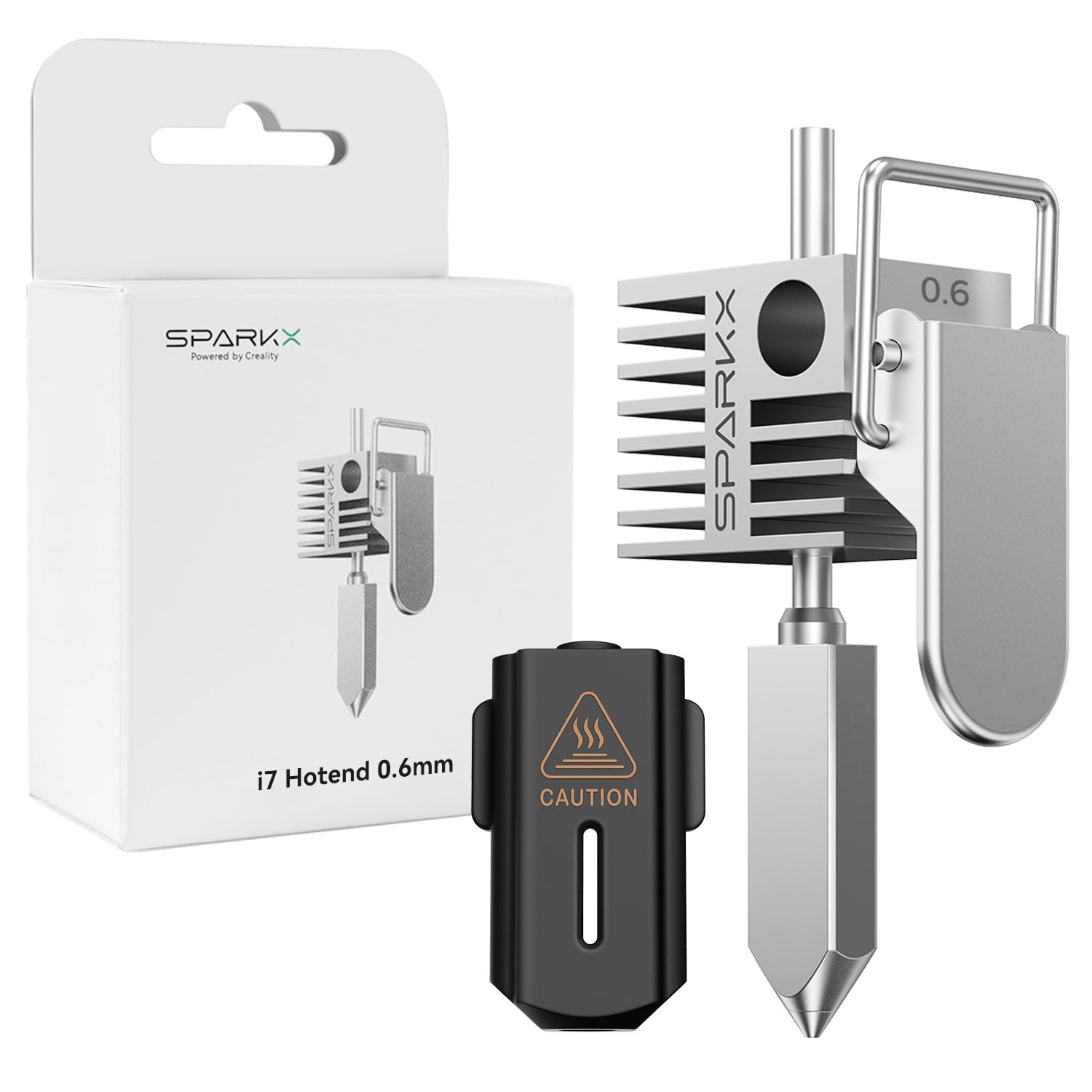
Creality SPARKX i7 Hotend 0.6mm – Genuine OEM High-Flow Replacement Hotend
The Creality SPARKX i7 0.6mm Hotend is a genuine OEM replacement hotend designed for reliable, high-speed 3D printing with the Creality SPARKX i7.
Featuring a 0.6mm nozzle, this hotend provides an excellent balance between printing speed, strength, and detail. The larger nozzle diameter allows increased filament flow compared with a standard 0.4mm nozzle, making it especially useful for larger models, functional parts, prototypes, and applications where faster printing is preferred.
Designed as a direct replacement for the original SPARKX i7 hotend, it helps restore consistent extrusion and dependable printing performance when the existing hotend becomes worn, clogged, or damaged.
Key Features
- Genuine Creality OEM replacement hotend
- Designed specifically for the Creality SPARKX i7
-
0.6mm nozzle diameter for increased filament flow
- Ideal balance of speed, strength, and print quality
- Excellent for larger models and functional parts
- Supports high-speed printing applications
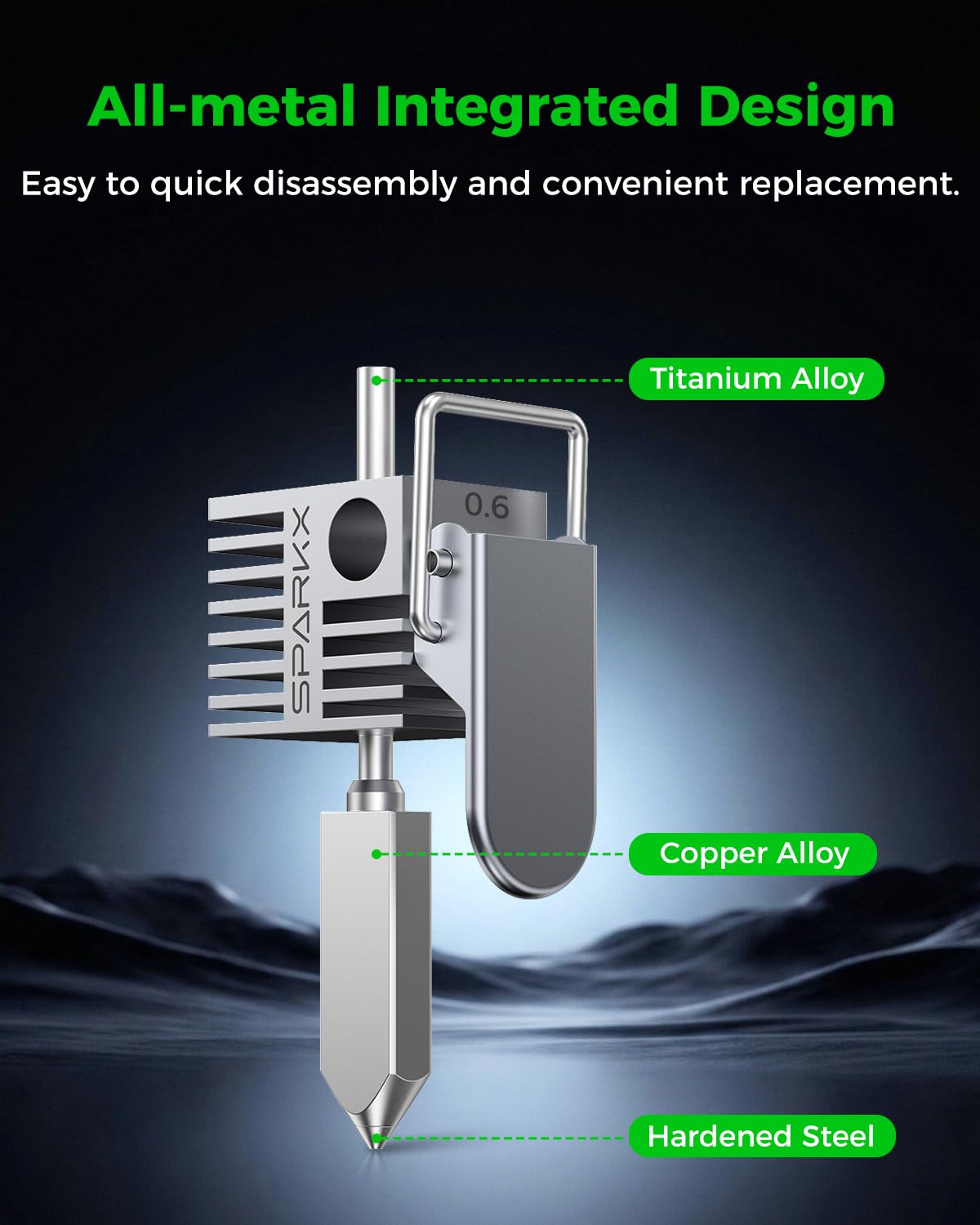
- High-temperature resistant construction
- Direct-fit design for convenient replacement
- Ideal spare part for routine maintenance
Benefits of a 0.6mm Nozzle
Compared with a standard 0.4mm nozzle, the 0.6mm nozzle can extrude more material per pass, allowing thicker lines and potentially reducing overall printing time. It is particularly useful for:
- Large 3D prints
- Functional prototypes
- Mechanical parts
- Stronger printed components
- Rapid prototyping
- Models where extremely fine detail is not required
Specifications
-
Brand: Creality
-
Product Type: Complete Hotend Assembly
-
Compatible Printer: Creality SPARKX i7
-
Nozzle Diameter: 0.6 mm
-
Application: FDM/FFF 3D Printing
-
Installation: Direct replacement
-
Part Type: Genuine OEM Replacement Component
Package Includes
- 1 × Creality SPARKX i7 0.6mm Hotend Assembly
Important Notes
- Designed specifically for the Creality SPARKX i7.
- Verify nozzle size before ordering.
- Allow the hotend to cool completely and disconnect printer power before replacement.
- After changing from another nozzle diameter, update the nozzle size in your slicer/printer profile for proper extrusion and print settings.