


Description
Creality K2 Plus FPC Cable – 40-Pin Black PI L207 – Touchscreen Display Cable – OEM 2104010150
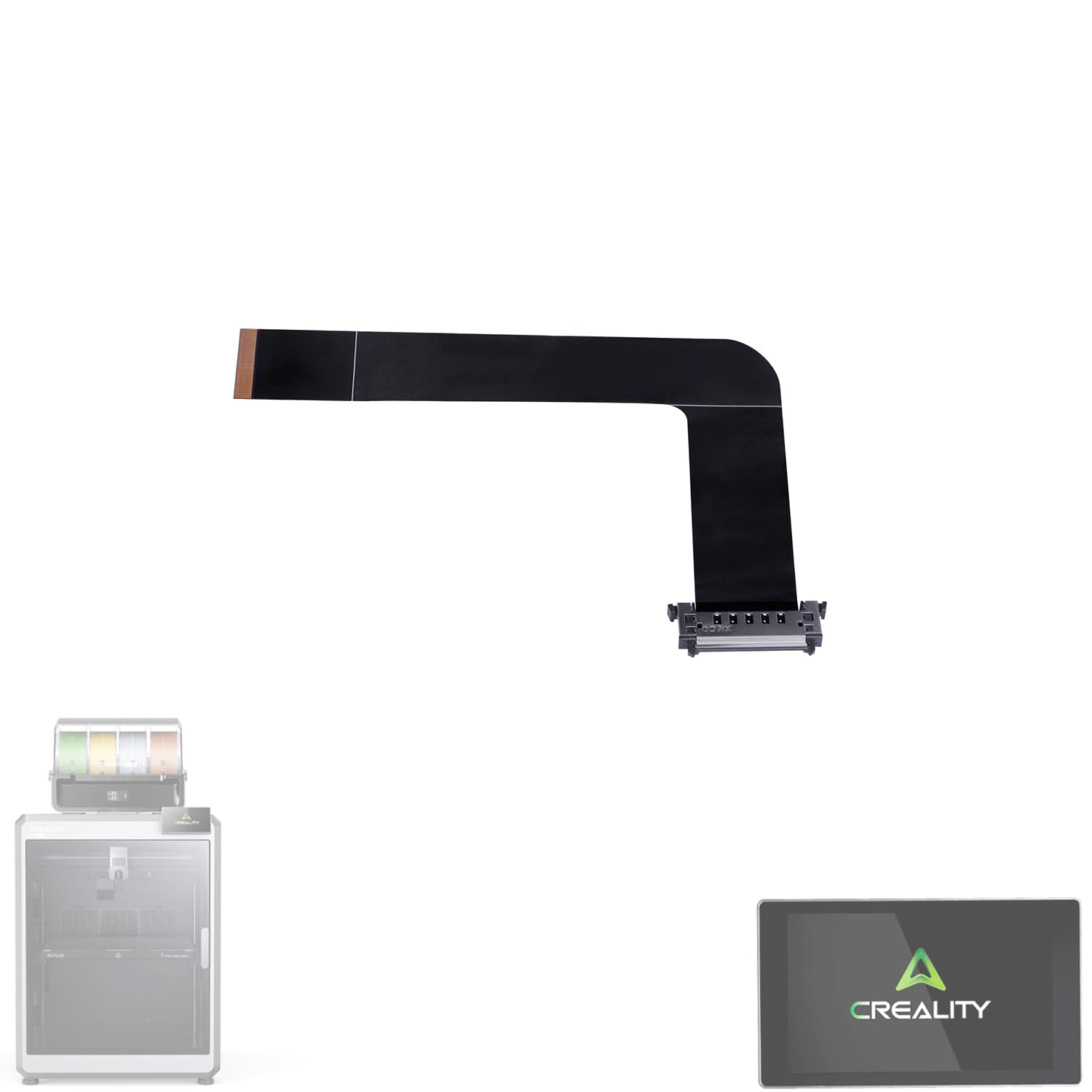
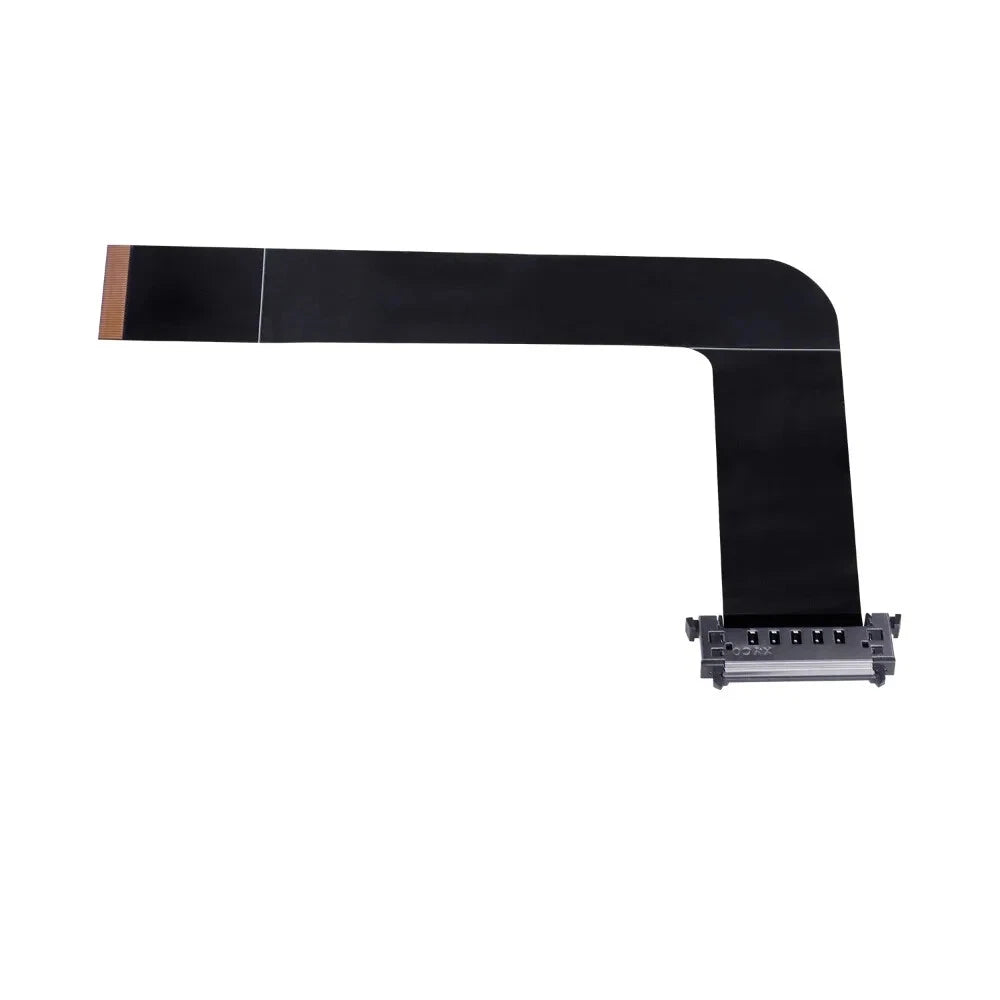
The Creality K2 Plus FPC Cable is a genuine OEM replacement flexible printed circuit cable designed specifically for the Creality K2 Plus 3D Printer.
Identified as FPC Cable_40P Black_PI_L207, this 40-pin flexible cable provides the electrical connection required between the K2 Plus touchscreen display and the printer electronics.
Its flexible PI construction provides reliable signal transmission while allowing the cable to fit properly within the printer's compact internal assembly.
Product Function
The FPC cable provides the electrical connection required for proper communication between the touchscreen display and the printer's control electronics.
It helps provide:
- Reliable touchscreen display communication
- Stable signal transmission
- Proper display operation
- Secure connection between electronic components
- Flexible routing inside the printer
- Reliable replacement of a damaged or worn original cable
Key Features
- Genuine Creality OEM replacement cable
- Designed specifically for the Creality K2 Plus
- 40-pin FPC configuration
- Black flexible printed circuit construction
- PI (Polyimide) material
- Model/specification: L207
- Designed for touchscreen/display connectivity
- Flexible and lightweight construction
- Heat-resistant PI material
- Direct replacement for the original cable
- Factory-style connection for proper fit
- Ideal for printer repair and maintenance
Specifications
Brand: Creality
Product Type: FPC Cable / Touchscreen Display Cable
Creality Part Number / SKU: 2104010150
Cable Identification: FPC Cable_40P Black_PI_L207
Compatible Printer: Creality K2 Plus
Pin Configuration: 40-Pin (40P)
Color: Black
Material: PI (Polyimide)
Specification: L207
Function: Touchscreen / Display Signal Connection
Application: FDM/FFF 3D Printer Repair
Installation: Internal OEM Replacement
Compatible Printer
- Creality K2 Plus
This cable is specifically designed for the K2 Plus. Compatibility with other K2 Series printers should not be assumed.
When Should the FPC Cable Be Replaced?
Consider replacing the FPC cable when troubleshooting:
- Touchscreen not displaying properly
- Intermittent display operation
- Screen communication problems
- Display flickering
- Touchscreen failing to respond
- Visible damage to the flexible cable
- Torn or creased FPC cable
- Damaged cable contacts
- Damaged connector end
- Problems occurring after the display has been removed or serviced
Before replacing the cable, inspect both connectors to make sure the FPC cable is correctly inserted and securely locked into position.
Installation Recommendations
FPC cables are thin and delicate. Handle the cable carefully during installation.
- Power off and unplug the K2 Plus.
- Access the touchscreen/display connection.
- Release the connector locking mechanism carefully.
- Remove the existing FPC cable without pulling or twisting it excessively.
- Insert the replacement cable in the correct orientation.
- Make sure the cable is fully seated.
- Secure the connector locking mechanism.
- Reassemble the printer and test the touchscreen.
Avoid sharply folding, twisting, puncturing, or excessively bending the FPC cable.
Package Includes
- 1 × Creality K2 Plus 40-Pin FPC Cable
Important Notes
This listing is for the FPC cable only.
The touchscreen display, mainboard, display housing, and other electronic components are not included unless specifically stated.
Before ordering, verify the identification of your original cable:
FPC Cable_40P Black_PI_L207
Creality Part Number: 2104010150
Always power off and unplug the printer before disconnecting or replacing internal electronic components.