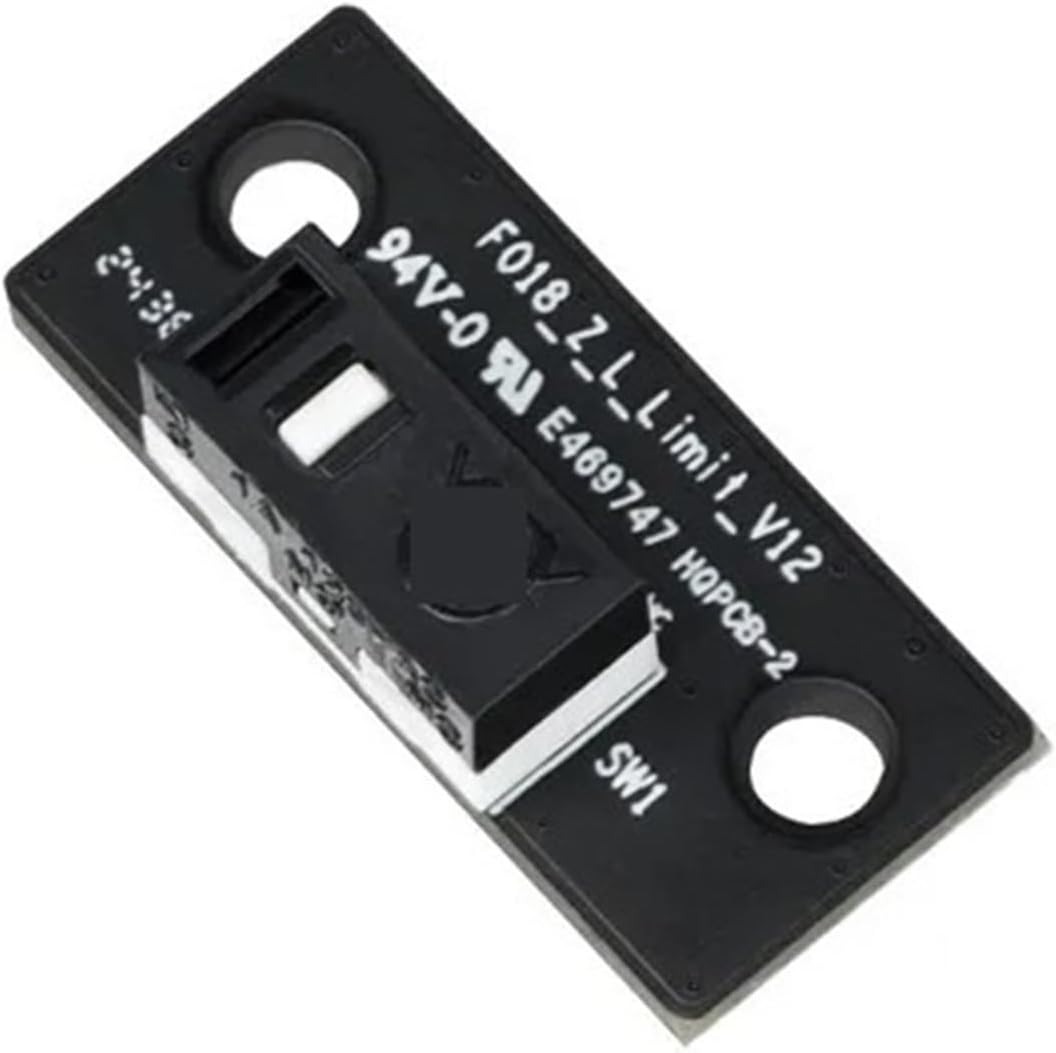
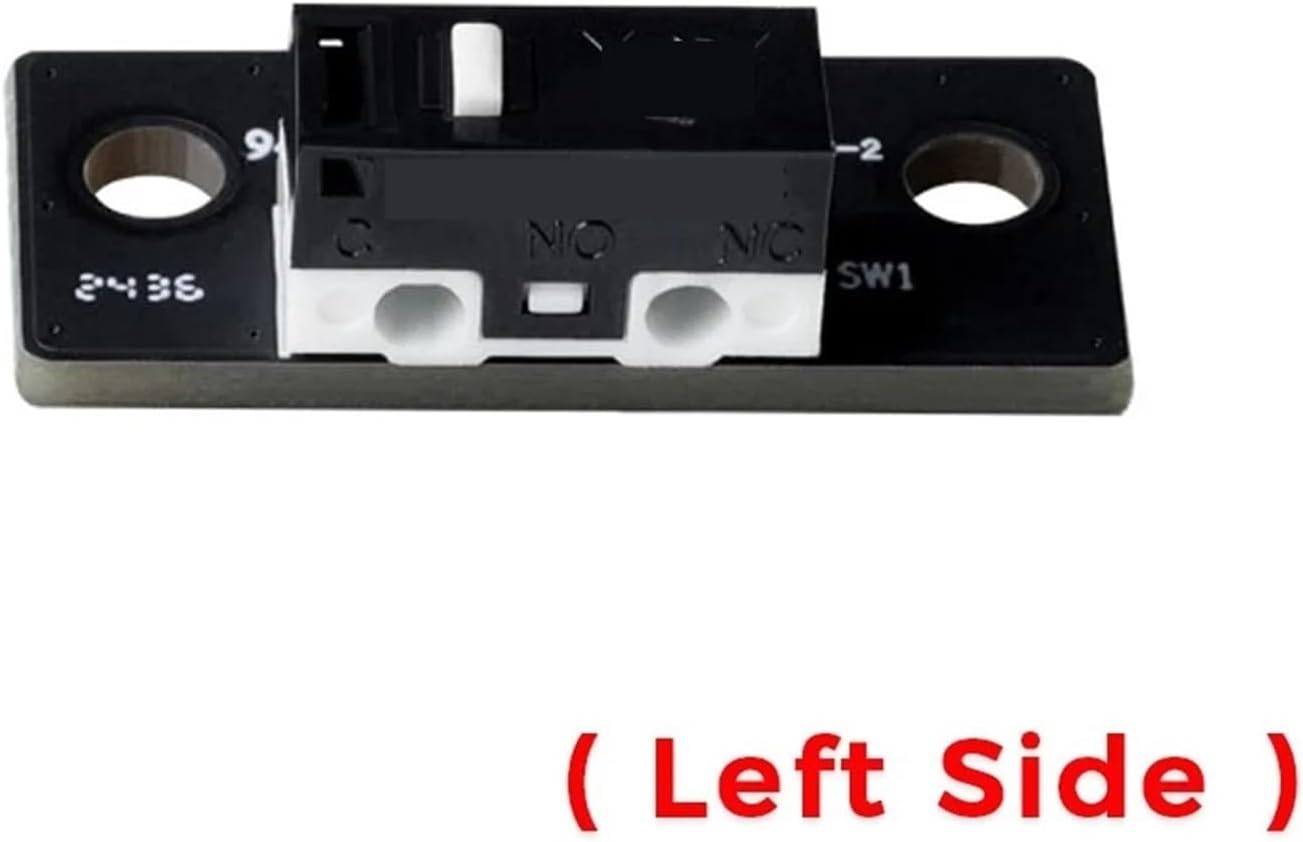
Creality Hi Z-Axis Limit Switch – Left Side
The Creality Hi Z-Axis Limit Switch – Left Side is a genuine replacement endstop sensor designed specifically for the Creality Hi 3D Printer.
Installed on the left side of the Z-axis system, this mechanical limit switch detects the Z-axis end position during homing and positioning operations. Accurate limit detection is essential for proper Z-axis synchronization, reliable homing, and safe printer operation.
This replacement is ideal for repairing a Creality Hi with a damaged, worn, or malfunctioning left Z-axis limit switch.
Product Function
The Z-axis limit switch provides the printer with a physical reference point for Z-axis movement.
When the Z-axis reaches its designated position, the switch is activated and sends a signal to the printer's control system.
Proper operation helps provide:
- Accurate Z-axis homing
- Reliable end-position detection
- Correct Z-axis positioning
- Proper synchronization of Z-axis movement
- Protection against excessive mechanical travel
- Consistent printer calibration
- Reliable startup and self-check procedures
Key Features
- Genuine Creality replacement component
-
Designed specifically for the Creality Hi
- Left-side Z-axis limit switch
- Mechanical endstop design
- Accurate Z-axis position detection
- Helps maintain proper Z-axis homing
- Supports reliable printer calibration
- Direct replacement for the original switch
- Compact factory-style design
- Ideal for printer maintenance and repair
Specifications
Brand: Creality
Product Type: Z-Axis Limit Switch / Endstop Sensor
Manufacturer Part Number: 2101030260
Compatible Printer: Creality Hi
Installation Position: Left Side
Axis: Z-Axis
Switch Type: Mechanical Limit Switch
Function: Z-Axis End Position Detection / Homing
Application: FDM/FFF 3D Printing
Installation: Direct Replacement
When Should It Be Replaced?
Consider replacing the Z-axis limit switch if you experience:
- Z-axis homing errors
- Printer unable to correctly detect the Z-axis end position
- Z-axis continuing to move after reaching its limit
- Inconsistent homing behavior
- Mechanical switch no longer clicking or activating correctly
- Intermittent endstop detection
- Physical damage to the switch
- Damaged connector, wiring, or PCB
Before replacing the switch, inspect the wiring and connector to ensure the problem is not caused by a loose or damaged connection.
Left vs. Right Side
The Creality Hi uses dedicated Z-axis limit-switch components for positioning.
This listing is specifically for the LEFT-SIDE Z-axis limit switch.
Make sure you identify which side of the printer requires replacement before ordering.
Package Includes
- 1 × Creality Hi Z-Axis Limit Switch – Left Side
Important Notes
Verify the original part before ordering.
Creality Part Number: 2101030260
This product is specifically the left-side Z-axis limit switch. Do not substitute it for the right-side version unless the part numbers and configuration are confirmed to be identical.
Always power off and unplug the printer before replacing electronic or mechanical components.