



Description
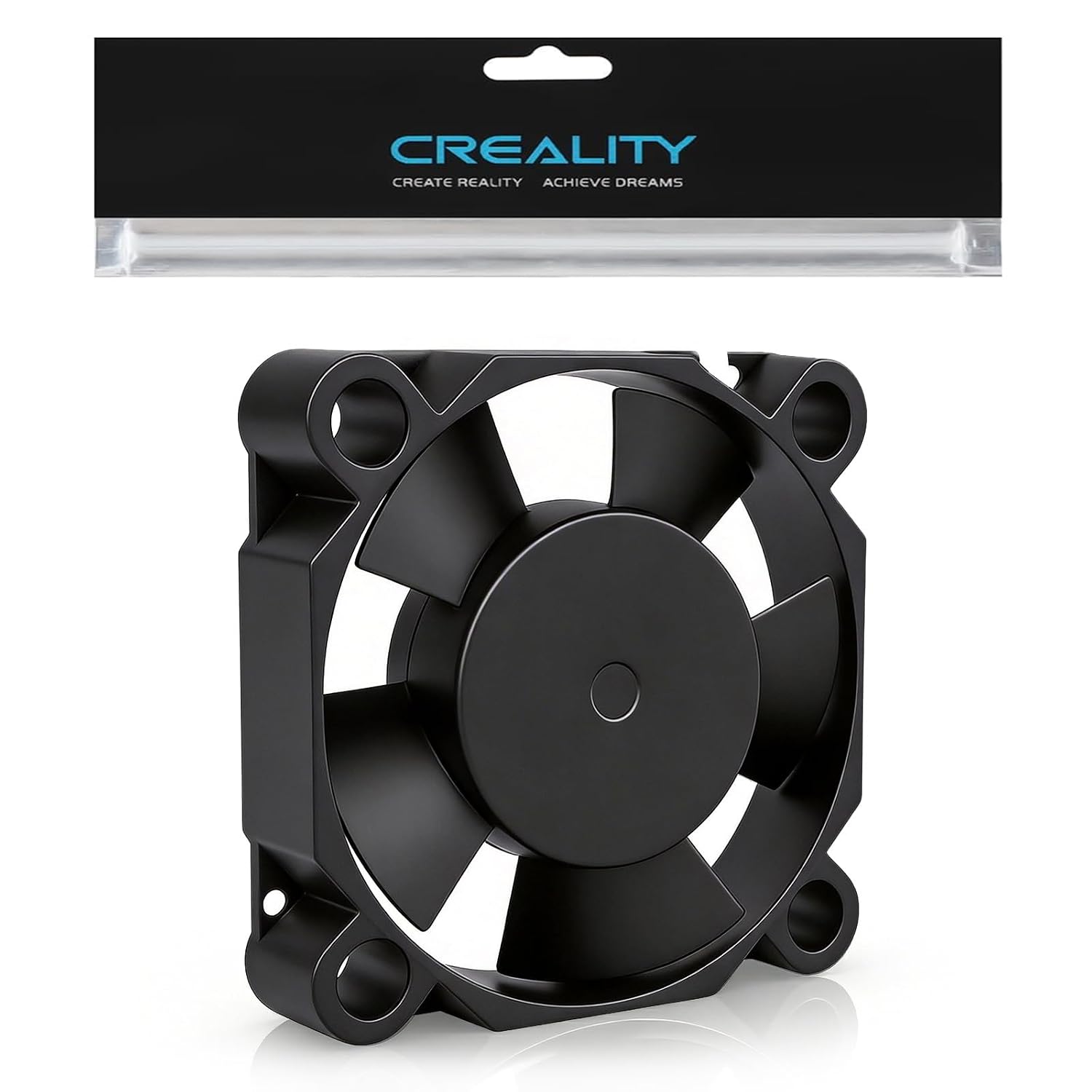
Creality Hi Throat Cooling Axial Fan – Genuine OEM Hotend Cooling Fan
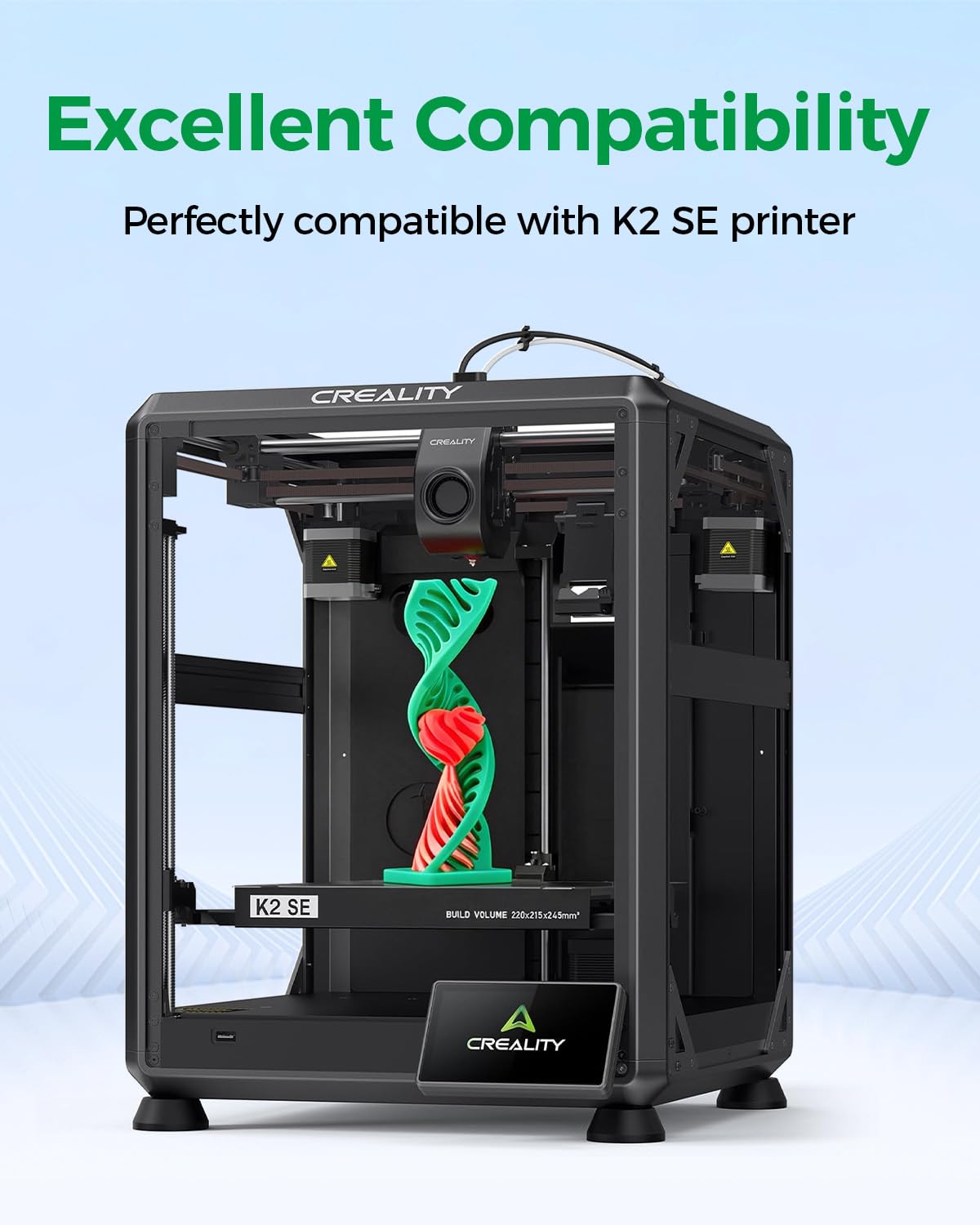
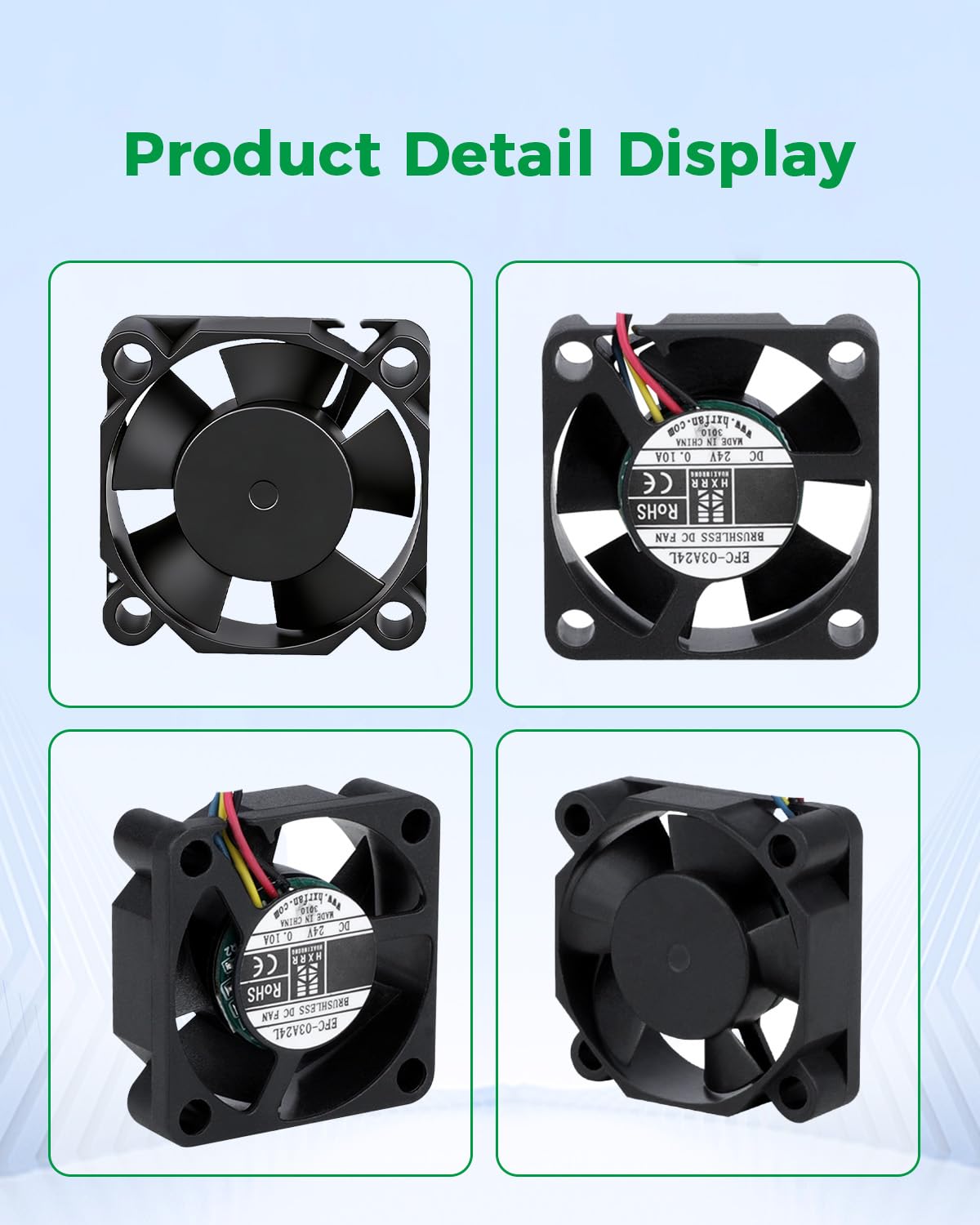
The Creality Hi Throat Cooling Axial Fan is a genuine OEM replacement cooling fan designed specifically for the Creality Hi 3D Printer.
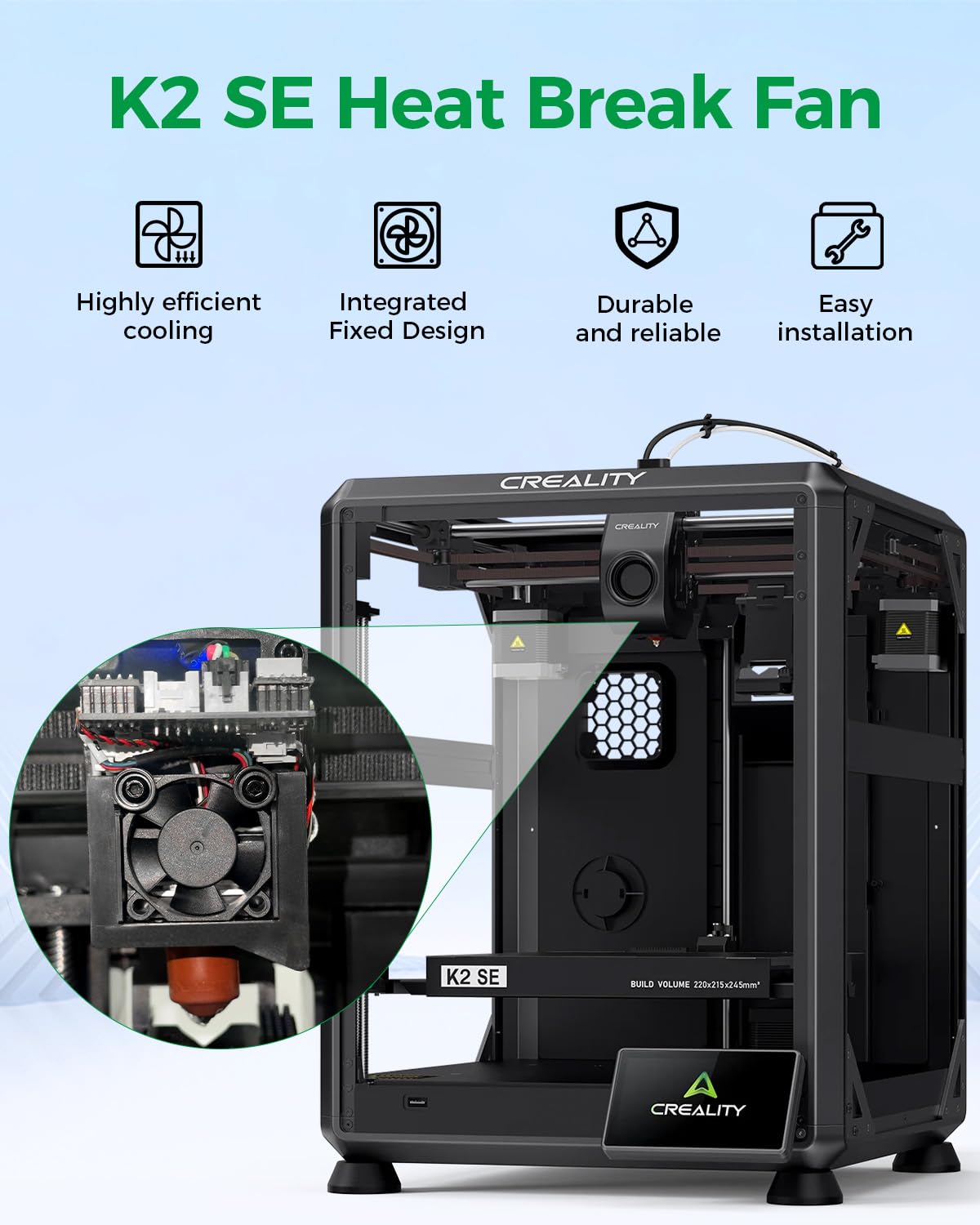
Installed in the toolhead near the hotend heatsink and heat-break area, this axial fan provides continuous airflow to keep the upper section of the hotend properly cooled. Effective throat cooling is essential for maintaining a controlled thermal transition between the hot nozzle and the cooler filament path.
A properly functioning hotend cooling fan helps prevent heat creep, premature filament softening, extrusion jams, and inconsistent filament feeding, particularly during long or high-temperature print jobs.
Product Function
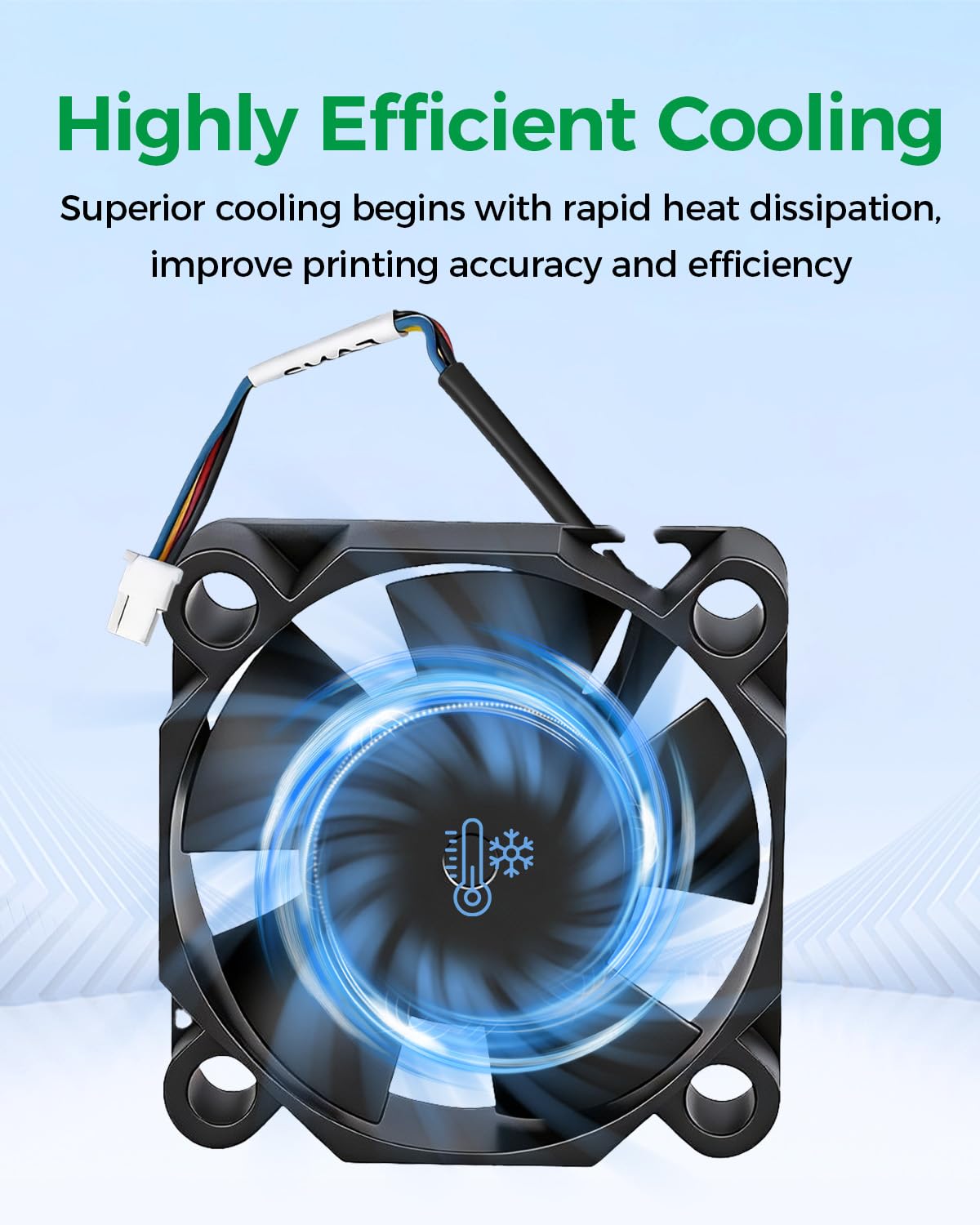
The throat cooling fan directs airflow across the hotend heatsink to remove excess heat from the upper portion of the hotend assembly.
Its primary functions include:
- Cooling the hotend heatsink
- Maintaining the proper thermal transition inside the hotend
- Helping prevent heat creep
- Preventing filament from softening too early
- Reducing the possibility of filament jams
- Supporting consistent extrusion
- Maintaining reliable performance during long print jobs
- Supporting high-temperature and high-speed printing
Key Features
- Genuine Creality OEM replacement component
- Designed for the Creality Hi 3D Printer
- Axial cooling fan design
- Dedicated hotend / throat cooling function
- Provides direct airflow across the hotend heatsink
- Helps prevent heat creep
- Supports stable filament feeding
- Helps reduce extrusion jams caused by excessive heat
- Designed for continuous operation during printing
- Works with the Creality Hi hotend cooling system
- Direct replacement for the original factory fan
- Ideal for replacing a noisy, damaged, or malfunctioning fan
- Compact design for installation inside the toolhead
Why Is Throat Cooling Important?
The hotend needs to maintain two distinct thermal zones.
The lower section of the hotend must become hot enough to melt filament, while the upper filament path must remain significantly cooler.
The throat cooling fan removes heat from the heatsink and helps prevent excessive heat from traveling upward through the filament path.
Without sufficient cooling, filament can begin softening before reaching the intended melt zone. This condition, commonly known as heat creep, can lead to:
- Filament jams
- Extruder clicking or skipping
- Under-extrusion
- Inconsistent filament flow
- Difficult filament removal
- Hotend clogging
- Failed prints
Specifications
Brand: Creality
Product Type: Throat Cooling Axial Fan
Compatible Printer: Creality Hi
Fan Type: Axial Cooling Fan
Function: Hotend / Heat-Break / Throat Cooling
Installation Location: Toolhead / Hotend Assembly
Cooling System: Active Air Cooling
Application: FDM/FFF 3D Printing
Installation: Direct OEM Replacement
Throat Cooling Fan vs. Part Cooling Fan
These two fans perform different functions and should not be confused.
Throat / Hotend Cooling Fan:
Cools the hotend heatsink and heat-break area to prevent heat creep and filament jams.
Part Cooling Fan:
Directs airflow toward the printed model to cool newly deposited filament and improve print quality.
This listing is for the Throat / Hotend Cooling Axial Fan.
When Should the Fan Be Replaced?
Consider replacing the fan if you experience:
- Fan not spinning
- Intermittent fan operation
- Reduced airflow
- Grinding or rattling noises
- Excessive fan vibration
- Damaged fan blades
- Fan-related printer errors
- Repeated heat creep
- Frequent filament jams despite a clean nozzle
- Extrusion problems during long prints
- Damaged fan wiring or connector
Before replacing the fan, inspect the wiring, connector, and fan blades for damage or obstructions.
Package Includes
- 1 × Creality Hi Throat Cooling Axial Fan
Important Notes
This product is the hotend/throat cooling axial fan and should not be confused with the part cooling fan.
The hotend, nozzle, heatsink, extruder assembly, toolhead board, and other components are not included unless specifically stated.
Always power off and unplug the printer before replacing the fan or servicing the toolhead.
After installation, verify that the fan operates correctly before beginning a long print.